
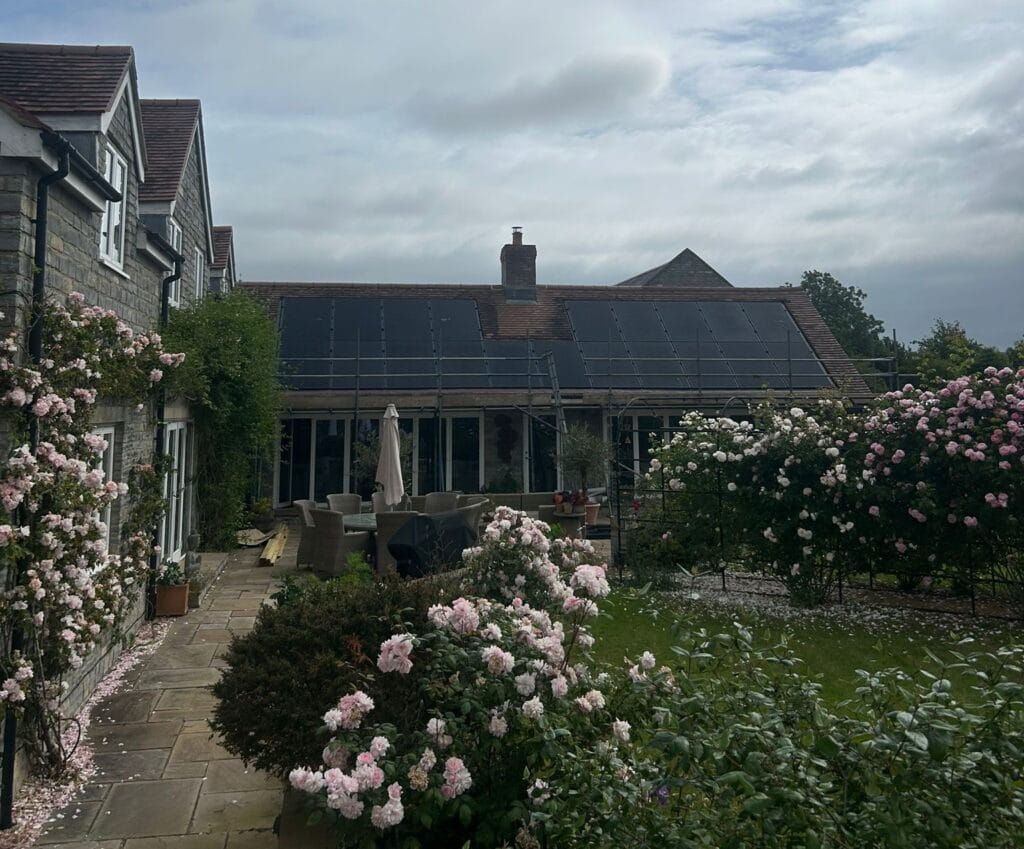
Having solar panels installed is an exciting step, but we know there can be a lot to take in once the installation is complete.
Your system may be up and running, your monitoring app may be showing generation, and your handover documents may have arrived in your inbox. But there are still a few important steps to take after installation to make sure you are getting the most from your solar panels.
We have put together this simple step-by-step guide to help you understand what to do next.
1. Install and check your solar monitoring app
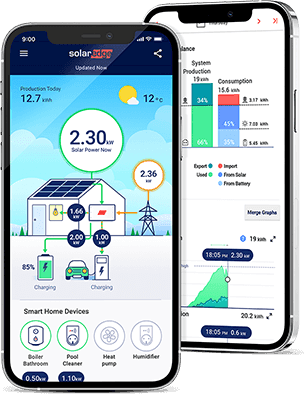
Once your solar panels are installed and commissioned, you should be able to view your system through your monitoring app. You will receive an email directly from the manufacturer for this. Please let me know if you don’t receive and we will chase it for you.
The monitoring app lets you see when your panels are generating electricity and gives you a better understanding of how your system performs throughout the day.
Do not worry if generation changes from day to day. Solar output depends on the weather, the time of year, shading and how much daylight is available.
A bright summer day will usually look very different to a grey winter day.
2. Keep your handover documents safe
After your installation, you will usually receive your handover documents from us by email.
These normally include:
- Your Owner’s Manual
- Your MCS Certificate
- Your DNO connection confirmation letter, which may be a G98 or G99 letter
Please keep these documents somewhere safe, as you may need them when setting up your export payments with an electricity supplier.
Your MCS Certificate confirms that your system has been installed to the relevant standard. Your DNO connection confirmation letter confirms that your solar installation has been accepted by the local electricity network.
These documents are important, so it is worth saving them somewhere easy to find.
3. Understand what happens automatically, and what does not
Your solar panels will start generating electricity once the system is installed, commissioned and switched on.
When your panels are generating, your home can use that electricity first. This can help reduce the amount of electricity you buy from the grid during daylight hours.
However, being paid for excess electricity sent back to the grid does not usually happen automatically.
To receive payments for exported electricity, you will need to apply for a Smart Export Guarantee, often called SEG, or an export tariff with an electricity supplier.
This is one of the most important steps after your installation.
4. Apply for the Smart Export Guarantee
The Smart Export Guarantee allows eligible solar customers to be paid for excess electricity they export to the grid.
You do not have to use the same supplier for your electricity import and export, although some customers choose to keep everything with one company for simplicity.
To apply, contact your electricity supplier or look at the export tariff information on supplier websites. Each supplier has its own application process, but it is usually completed online.
You will usually be asked for:
- Your MCS Certificate
- Your DNO connection confirmation letter
- Details of your solar installation
- Your meter details
- Your bank details for payments
Some suppliers may also need to check that your meter can record exported electricity. In most cases, this means having a suitable smart meter.
If you are unsure, speak to your electricity supplier and ask them what they need to set up an export tariff for your solar panels.
5. Check your electricity tariff
Your solar panels do not need a special tariff in order to generate electricity.
However, your electricity tariff can affect how much value you get from your system.
A suitable export tariff can allow you to be paid for electricity you do not use at home and send back to the grid. Different suppliers offer different rates and terms, so it is worth checking what options are available.
We recommend speaking directly to your electricity supplier or comparing current export tariffs before deciding which option is right for you.
Tariffs can change, so it is always best to check the latest details with the supplier.
6. Make small changes to use more solar during the day
One of the best ways to get more from your solar panels is to use more of the electricity they generate while the sun is shining.
Where practical, you could run appliances such as:
- Washing machines
- Dishwashers
- Tumble dryers
- Dehumidifiers
- Chargers
during daylight hours, rather than in the evening.
This does not mean changing your whole routine. Small adjustments can help you use more of your own solar energy and buy less from the grid.
7. Check your bills and export payments
Once your SEG or export tariff has been set up, keep an eye on your electricity bills or online supplier account.
It is worth checking that:
- Your export tariff is active
- Your exported electricity is being recorded
- Any export payments or credits are showing correctly
- Your meter readings look sensible
If something does not look right, contact your electricity supplier as soon as possible. Export payments usually cannot be backdated if an export tariff was not set up at the time, so it is best to get this arranged promptly after installation.
8. Leave your system switched on
Your solar PV system is designed to run automatically.
Once everything has been installed and commissioned, you should usually leave the system switched on unless you have been advised otherwise by Sunlit Solar, your electricity supplier or another qualified professional.
If you ever notice an error message, warning light or unusual issue with your system, please contact us for advice.
9. Keep in touch if you need help
We understand that solar can feel unfamiliar at first, especially when you receive several documents at once.
Our local, family-run Somerset team is here to help point you in the right direction if you are unsure what to do next.
While your electricity supplier will need to set up your export tariff, we can help you understand which documents you have been given and what they are usually used for.
Your quick post-installation checklist
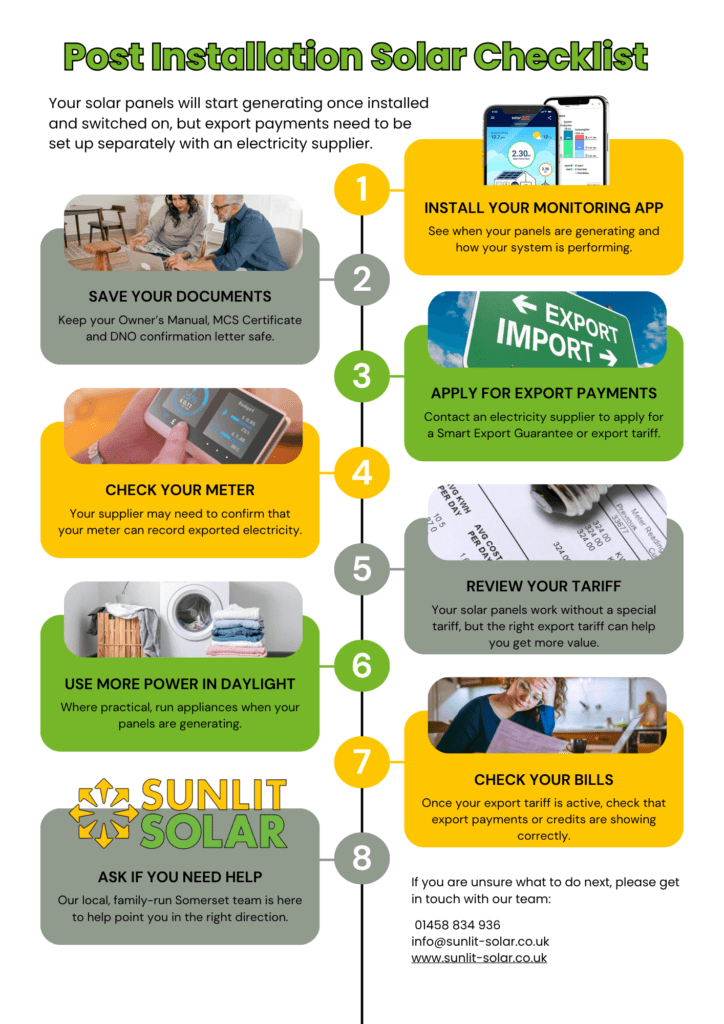
After your solar panels have been installed:
- Check your monitoring app
- Save your Owner’s Manual, MCS Certificate and DNO connection confirmation letter
- Contact an electricity supplier to apply for a Smart Export Guarantee or export tariff
- Check whether your meter is suitable for export readings
- Review your electricity tariff options
- Try to use more electricity during daylight hours
- Check your bills and export payments once your tariff is active
- Contact Sunlit Solar if you are unsure where to start
Need help?
If your solar panels have recently been installed and you are unsure what to do next, please get in touch.
Sunlit Solar
01458 834 936
info@sunlit-solar.co.uk
www.sunlit-solar.co.uk
Our local, family-run Somerset team is always happy to help.